Droppables





A FoundryVTT module that allows you to drag and drop an entire folder of tokens or journal entries onto the canvas, upload files for tokens, tiles, sounds, or notes, and drop files directly onto sidebar directories to create the matching documents.
Overview
Droppables extends what Foundry accepts on a drag and drop. A folder of actors
or journal entries can be dropped onto the canvas to place all of its contents
at once. A file dropped onto the canvas is uploaded and turned into a token,
tile, sound, or note depending on the active layer. A file dropped onto a
sidebar directory creates a document of that type with the file assigned, and an
exported .json file dropped the same way is imported.
Features
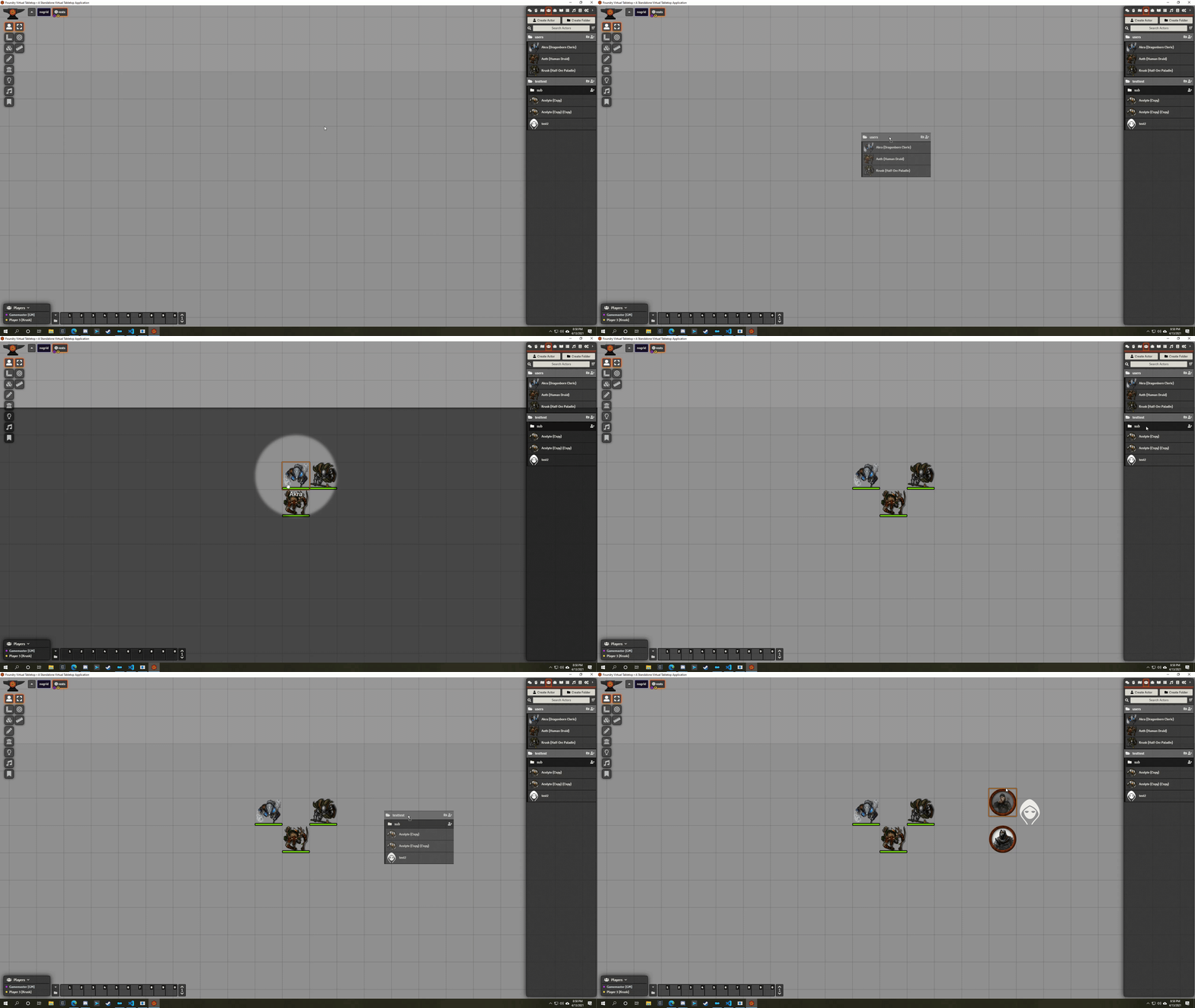
- Easily drop entire folders of actors onto the canvas in a stack, line, or randomly
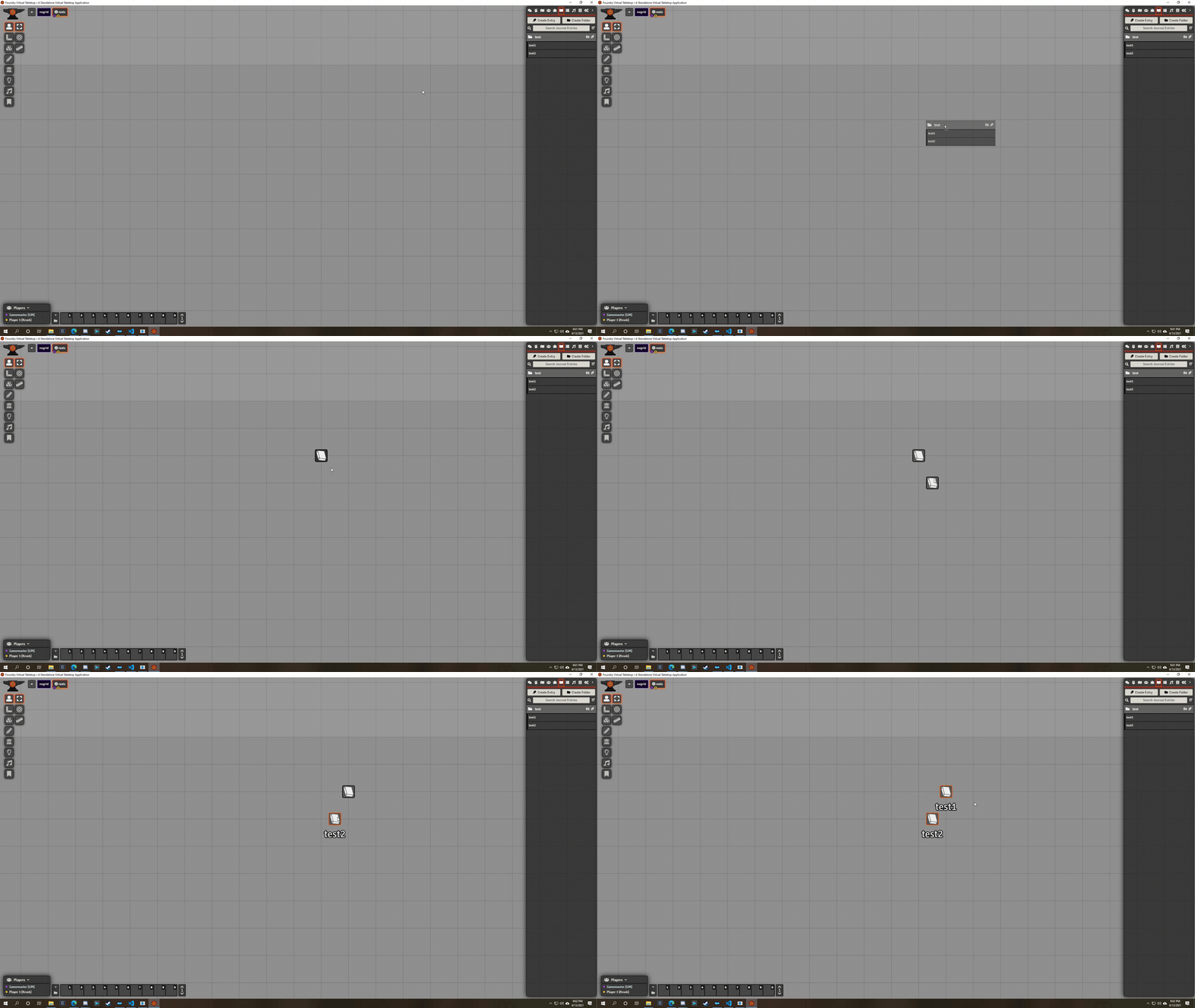
- Easily drop folders of notes onto the canvas
- Drop a file onto the canvas to upload it and automatically create a document based on the active layer:
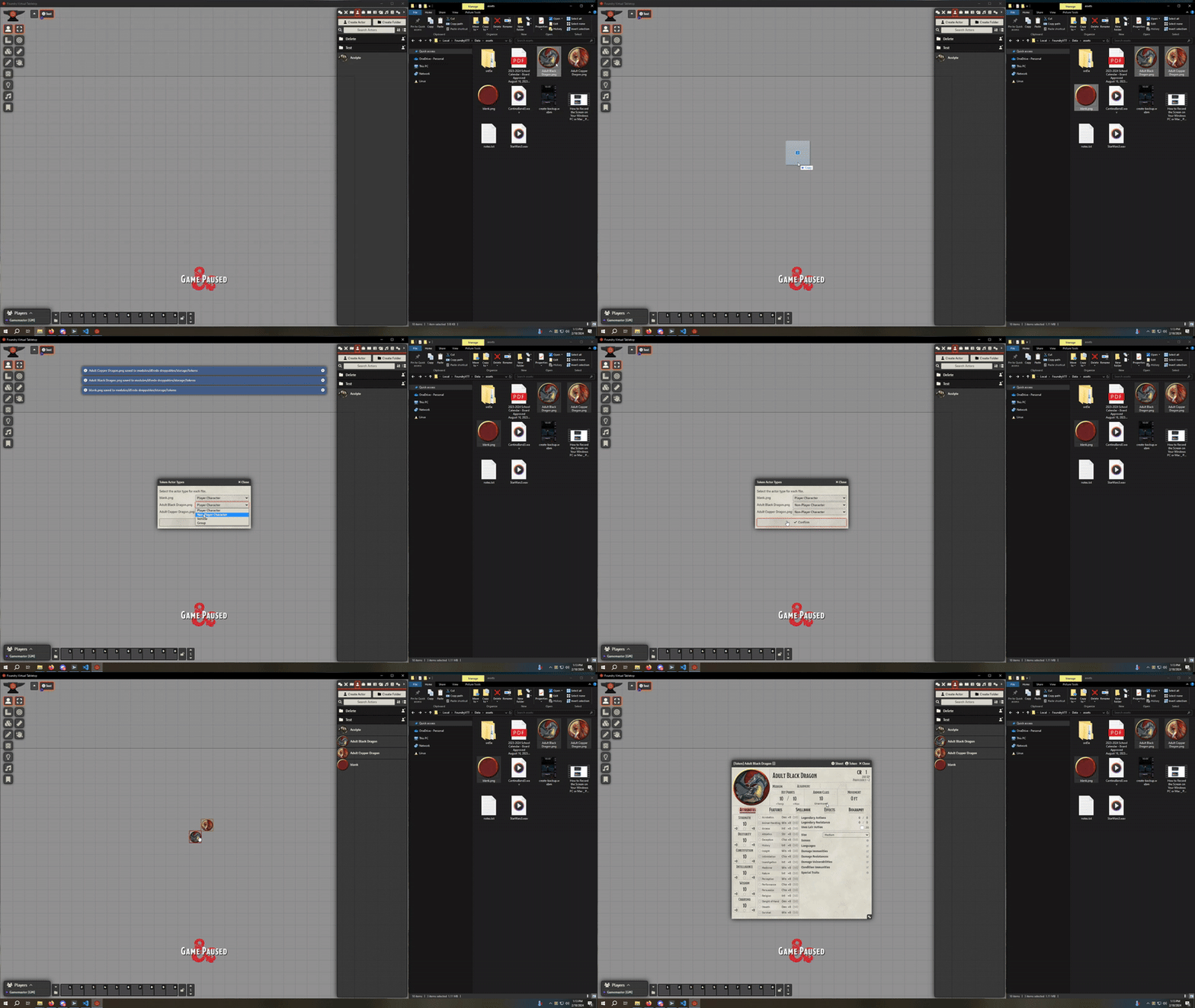
- Token layer - dropped images as new actors and tokens, prompting for the subtype
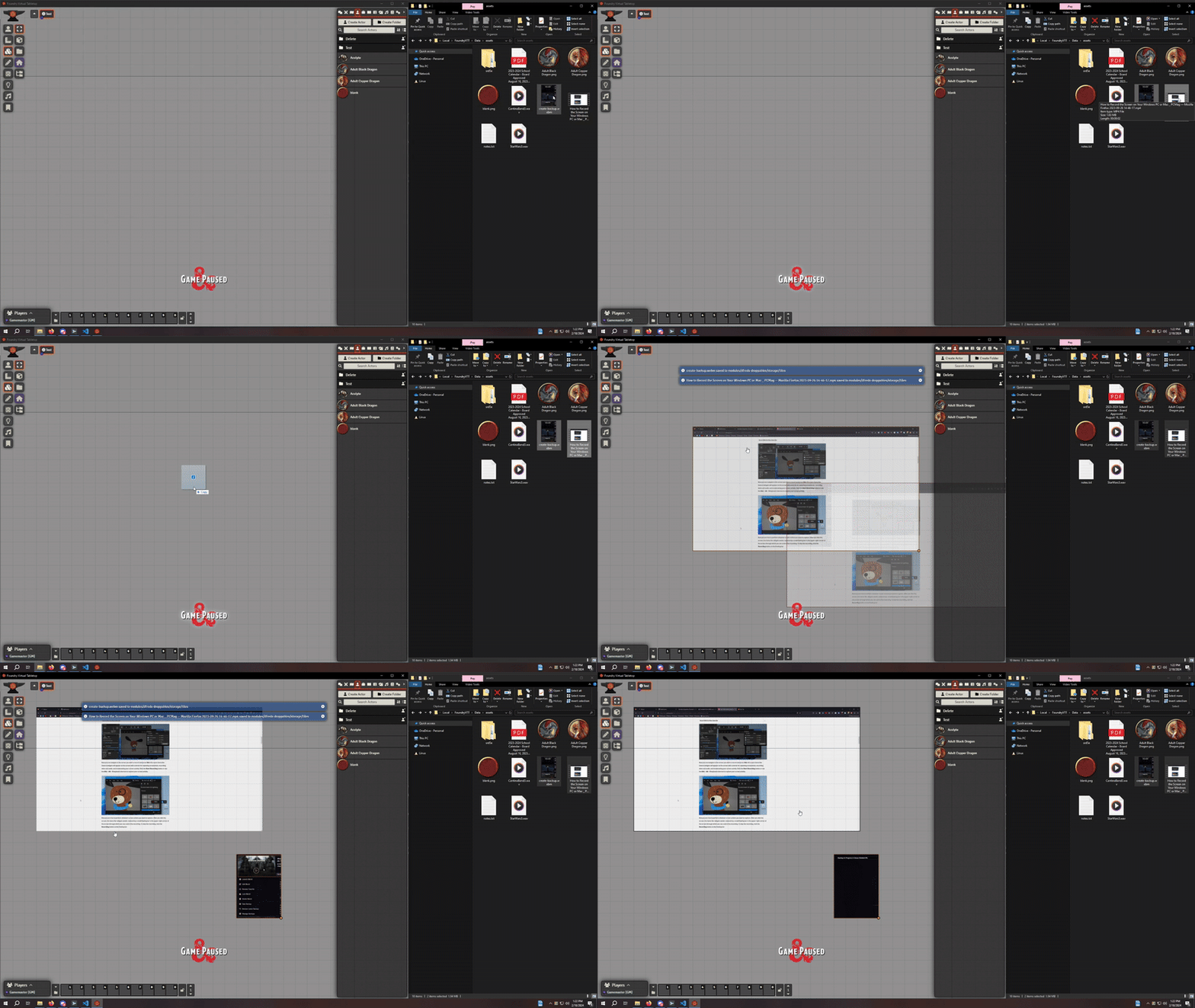
- Tile layer - dropped images or videos as tiles
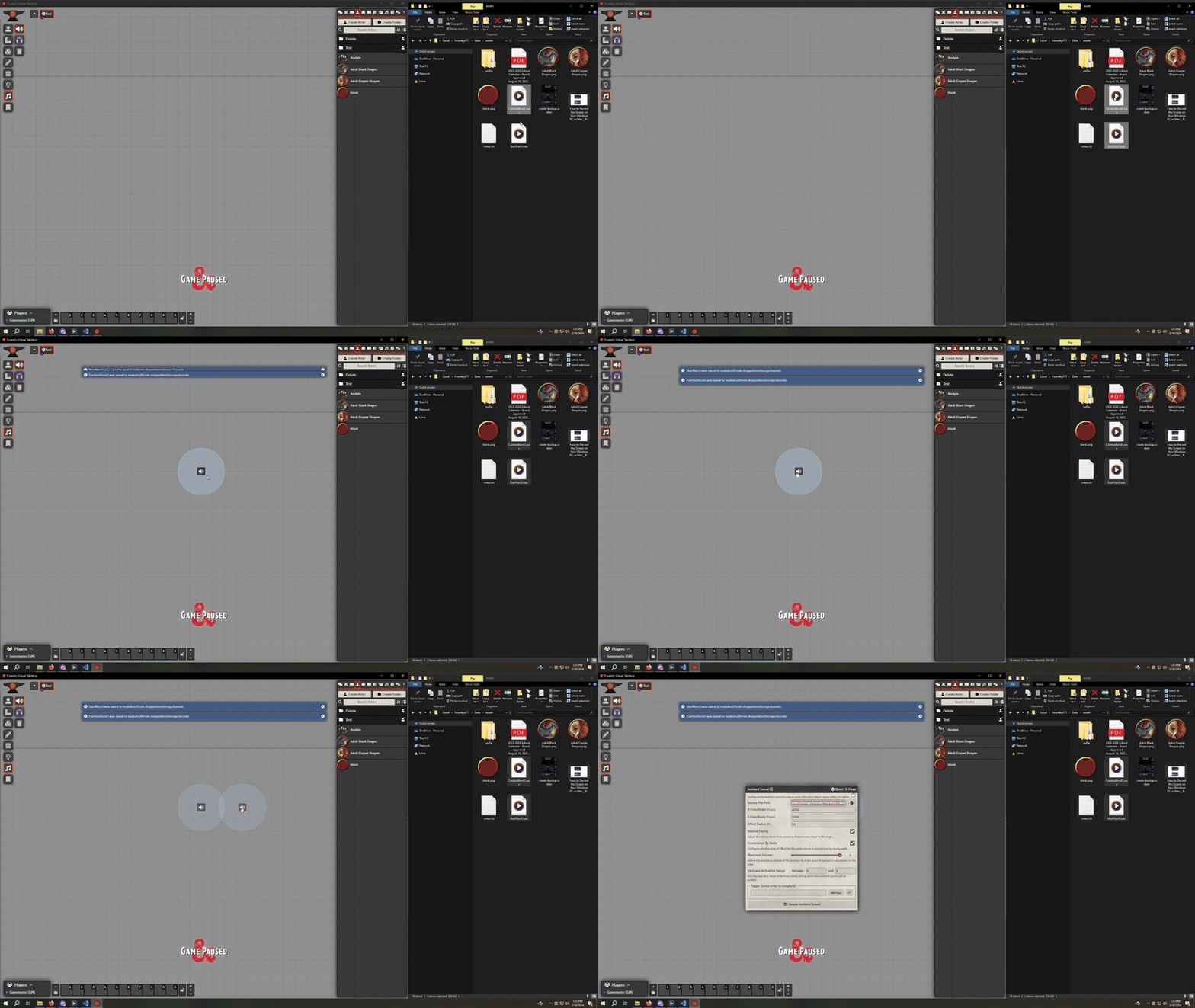
- Sound layer - dropped audio files as ambient sounds
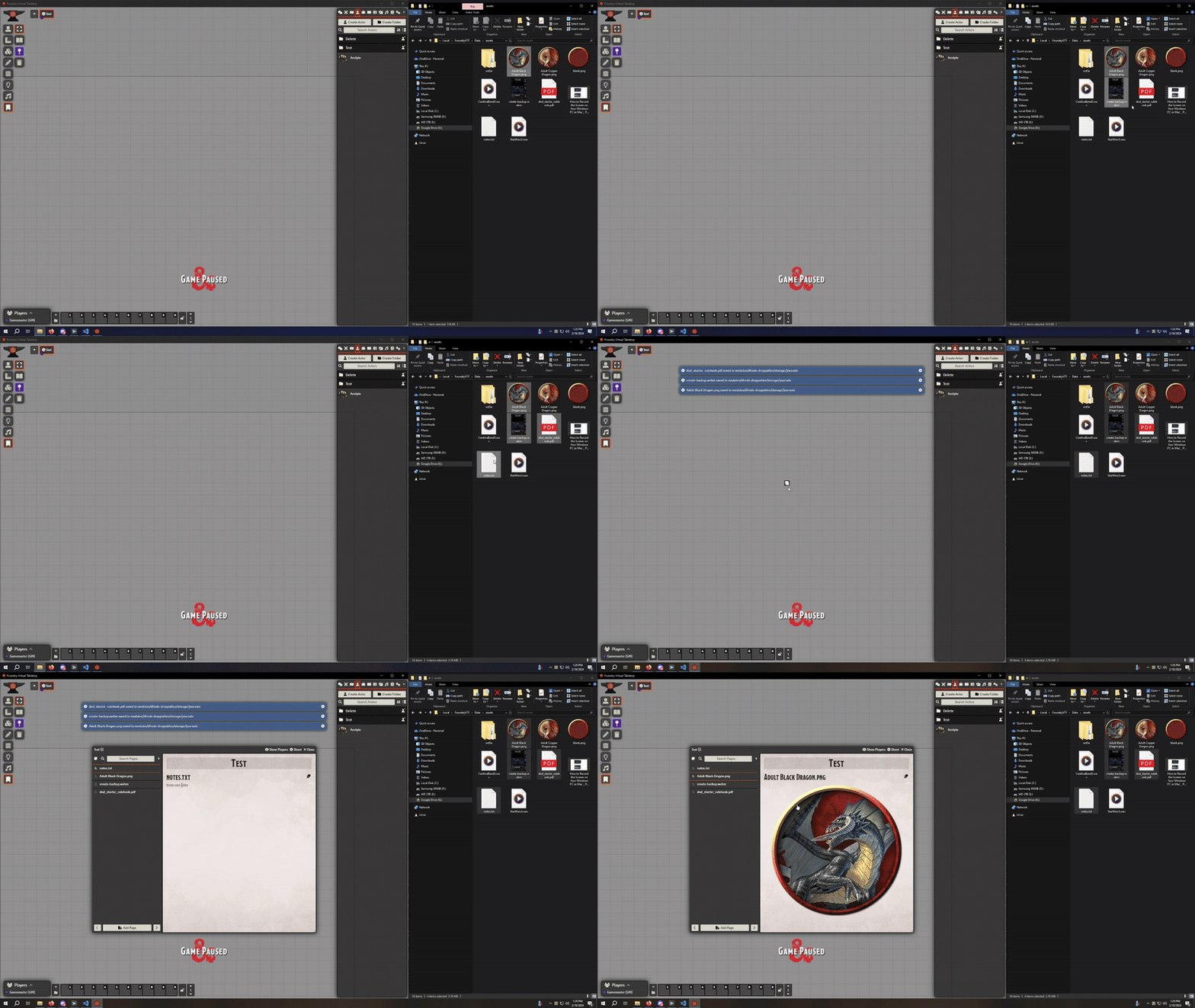
- Notes layer - dropped images, PDFs, videos, or text files as a journal entry pinned to the canvas
- Drop images directly from browsers to automatically set the images for tokens, tiles, or notes
- Drop a file onto a sidebar directory to upload it and automatically create a document of that type with the file assigned:
- Actors and Items - dropped images, prompting for the subtype
- Scenes - dropped images as the scene background
- Journal - dropped images, PDFs, videos, or text files as journal entry pages
- Playlists - dropped audio files as playlist sounds
- Roll Tables, Cards, and Macros - dropped images
- Drop an exported
.jsonfile onto its sidebar directory to import it as a new document
Settings
| Setting | Scope | Default | Description |
|---|---|---|---|
| Drop Style | Client | Dialog | How the contents of a dropped folder are arranged on the canvas. |
| Enable Unlinked Actor Drop Handler | Client | Disabled | Show a dialog asking how many tokens to drop when dropping an unlinked actor onto the canvas. |
| Enable Canvas Drag/Upload | Client | Enabled | Allow dragging and uploading tokens, tiles, audio, and journal entries onto the canvas based on the active layer. |
| Enable Sidebar Drag/Upload | Client | Enabled | Allow dropping files onto a sidebar directory to create a document of that type. Media is uploaded and assigned, .json exports are imported. |
Drop Style accepts:
- Dialog - prompt for one of the options below each time
- Stack - drop everything on the same spot
- Random - scatter across the canvas
- Horizontal Line - arrange left to right
- Vertical Line - arrange top to bottom
Holding Shift while dropping an unlinked actor bypasses the Enable Unlinked Actor Drop Handler dialog, whether or not the setting is on.
Examples
Folder Dropping
File Dropping on Token Layer
File Dropping on Tiles Layer
File Dropping on Sounds Layer
File Dropping on Notes Layer
Required Modules
- libWrapper by ruipin - A library that wraps core Foundry methods to make it easier for module developers to add functionality. Note that if you for some reason don't want to install this, a shim will be used instead.